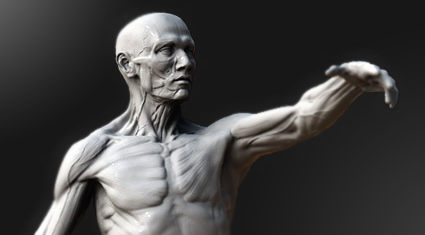
here is the current state of the hind legs straight out of Zbrush. I am generally happy, but they are a little stumpy – a proportional error that snuck in during posing. There is also refinement still to do on the bones, tendons and ligaments in the lower legs. Right now they are very approximate. Beyond that there is work to do around the knee – re-establishing some of the boney landmarks that have gone a bit squishy. Finally, there will be a skin and veins pass, but this will wait till the very end.

I will be presenting a two-day Artistic Anatomy Masterclass on 2-3 April 2009, at the Moving Picture Companies screening room in central London, sponsored by Escape Studios . The sessions will be VERY intense (but fun), so get your coffee, notepads and sketchbooks ready. I hope to see you there!
For more information and booking visit Escape Studios’ registration page
FOLLOW-UP
The April anatomy masterclass was a great success and every attendee left packed full of new anatomy knowledge. If you missed this course but are interested in attending a future masterclass in London please send me a quick note expressing interest. The more interest there is the sooner I can offer another course. Thanks!
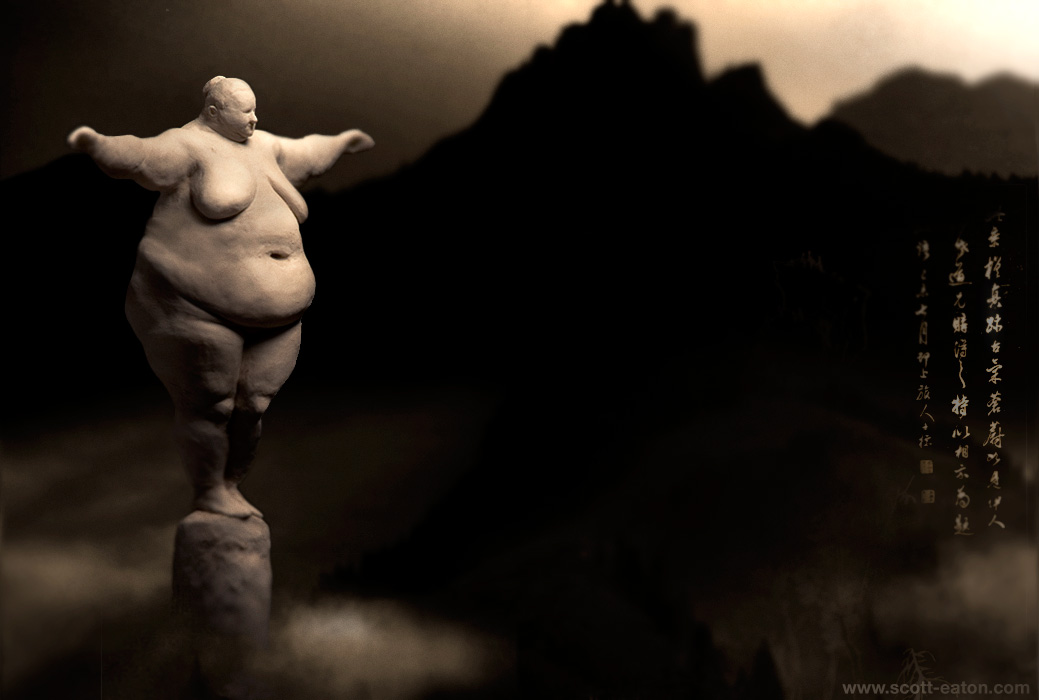
Here is a comp of a small maquette I put together as a test for an upcoming project. It is loosely inspired by the ballerina sketch in the Drawings section. I am not happy with the concept just yet, but time permitting, you may see a full version of this piece executed sometime in the new year. Happy Holidays.
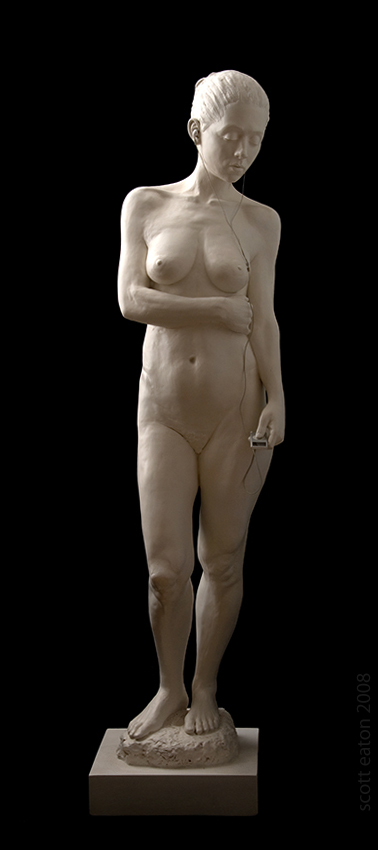
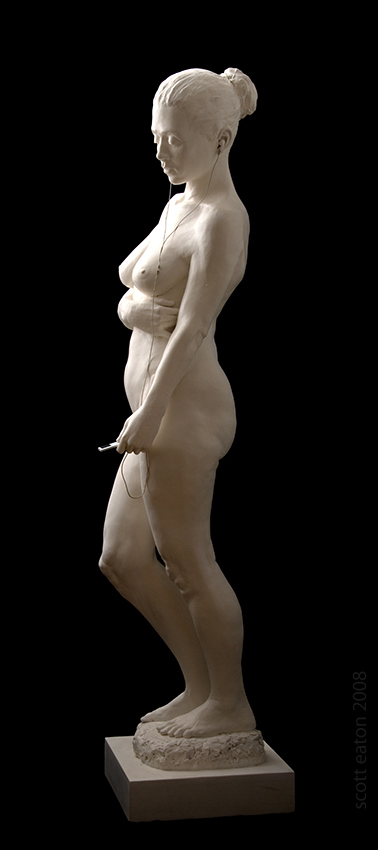
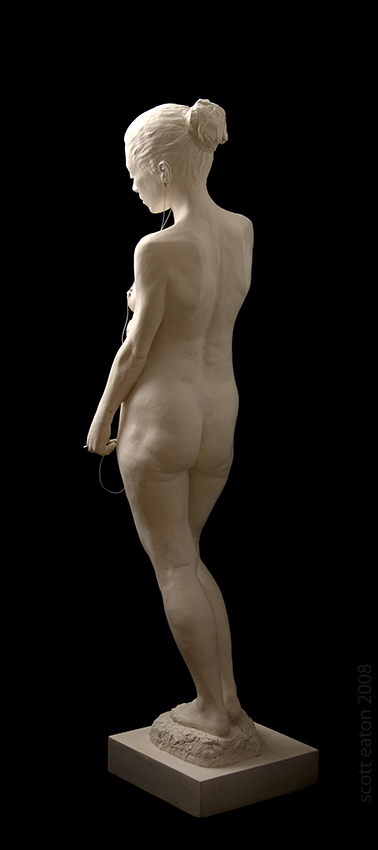
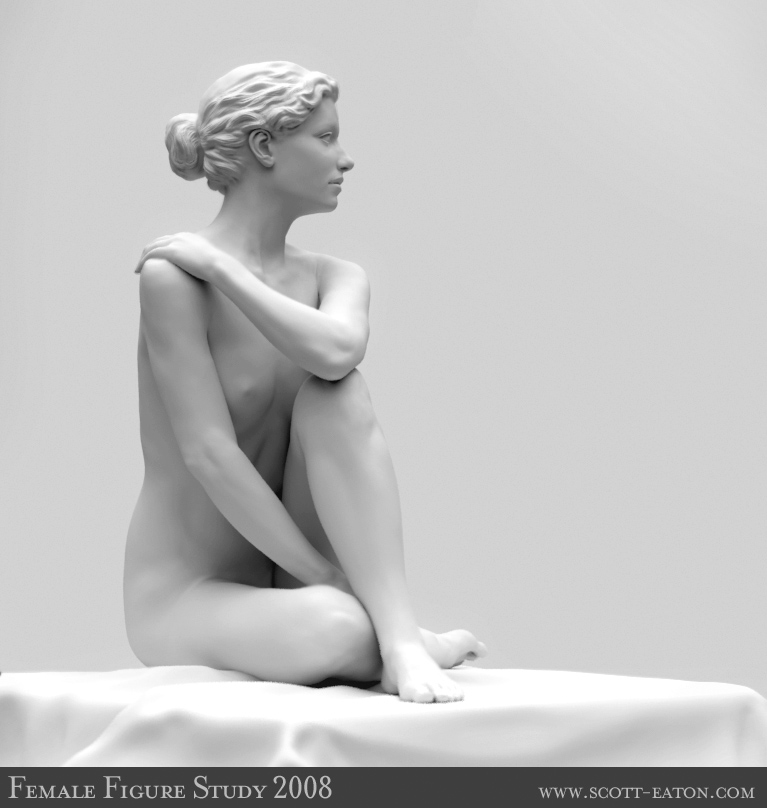
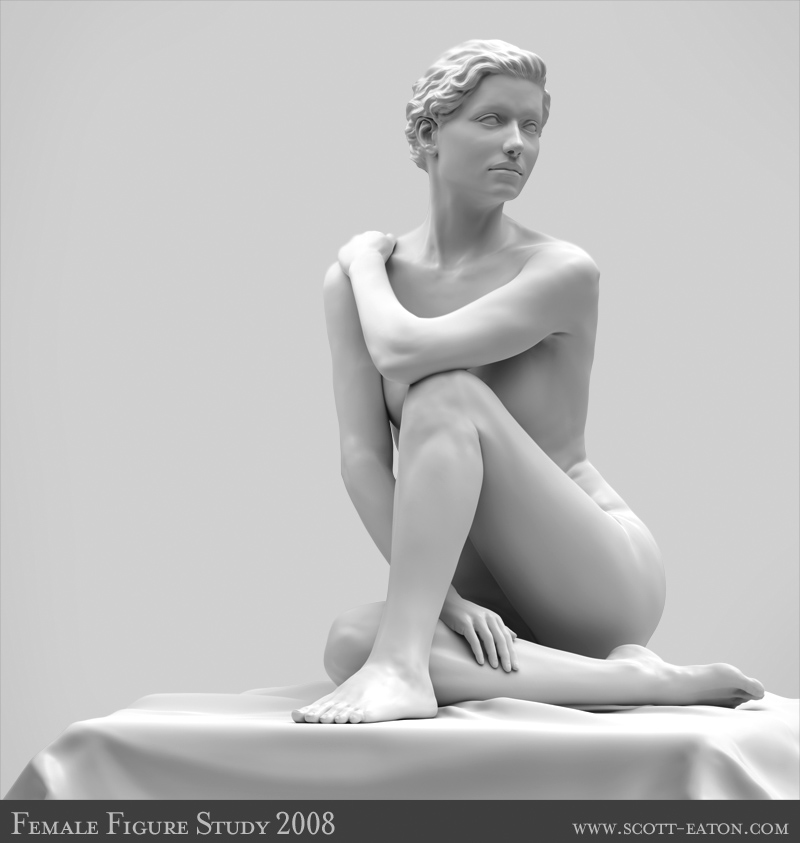
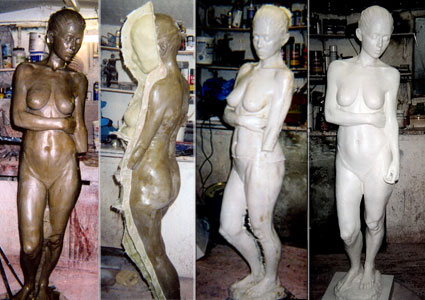
Here are photographs of the figure sculpture from my Tate Modern lecture.
Material: marble resin with iPod
Size: life-sized
Images of the casting process can be seen here
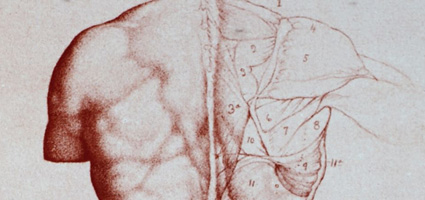
…with excerpts from William Rimmer’s Art Anatomy, 1877, and rare female anatomy plates from Dr. Paul Richer’s Nouvelle Anatomie du Corps Humain, Vol. II , 1920. Both are classics of artistic anatomy and great learning resources.
Copyright © Pixar Animation Studios
This sketch was developed for Pixar’s RenderMan Univeristy and demonstrates using procedural displacement mapping to achieve an interesting visual effect. The setup, covered in fine detail in the Courseware, uses on a particles system that writes primitive variables (primvars) onto the table top each time there is a collision event. The table top has a custom displacement shader that uses these privars to locate the ripples both spatially and temporally. From there, the rest of the displacement shader handles the pattern generation for the concentric rings. A movie of just the ripple pattern is shown below. This was output as an AOV (arbitrary output variable), a framebuffer separate from the final render, and was subsequently used to composite the final result.
Copyright © Pixar Animation Studios
Copyright © Scott Eaton
This sequence shows the use of corrective displacement mapping to achieve high resolution facial expression on top of a low-resolution animation mesh. The character on the left is rendered with his standard displacement map (sculpted in Zbrush) as well as a number of per-expression corrective maps, also sculpted in Zbrush. The same character on the right is rendered without the base displacement and shows only the corrective displacement mapping.
The entire pipeline for creating and rigging the facial setup was the topic of my Alias 3December workshop in 2005, titled appropriately “Corrective Displacement Maps for Facial Expressions”. Even though it is old, you can download the slides from the presentation here.
Here are a couple experiments put together for Pixar’s RenderMan University which demonstrate programmable raytracing in RenderMan.
Custom Gather
Copyright © Pixar Animation Studios
The is an example of using the gather() construct in an unusual fashion to create an interesting visual effect. The gather() call fires a hemisphere of rays above each shading point on the ground plane, and instead of tracing the usual diffuse or specular reflections (what raytracing is most often used for), the rays return their length (i.e. the distance to) each hit object, in this case the spheres. From there it is a simple case of normalizing the average distance and mapping it into a colored ramp.
Visualizing Ray Depth
Copyright © Pixar Animation Studios
This example is a visualization of ray depth. Each ray is traced into the scene and is reflected/refracted a number of times before it terminates on the bouncing sphere. The “camera” ray is always at trace depth 0, this is when the sphere is in plain view to the camera. As it falls behind the transparent screen the trace depth increases by one. Reflections off the floor and through the screen increase the depth a step further.
Copyright © Pixar Animation Studios
Here is another video I developed for Pixar’s RenderMan University, this one demonstrates an interesting techniques that can be achieved with a fairly simple custom displacement shader that relies mostly on an understanding of the fundamentals of computer graphics. Specifically, the technique uses a sequence of depth maps (shadow maps) rendered from beneath the surface capturing the distance from the shadow camera to each point on the displacement-mapped spheres. Each point can then be transformed into world space and used as an exact displacement amount for an object pressing into a surface. The effect of using a single depth map for displacement is show below:
Copyright © Pixar Animation Studios
And of course, to achieve persistence, you need to accumulate the depth maps per-frame and use the running total to displacement the current frame. The Courseware goes into detail about this process showing how to do this by either writing an external Python script or using It and Iceman, RenderMan Studio’s internal compositor and scripting language.
Copyright © Pixar Animation Studios
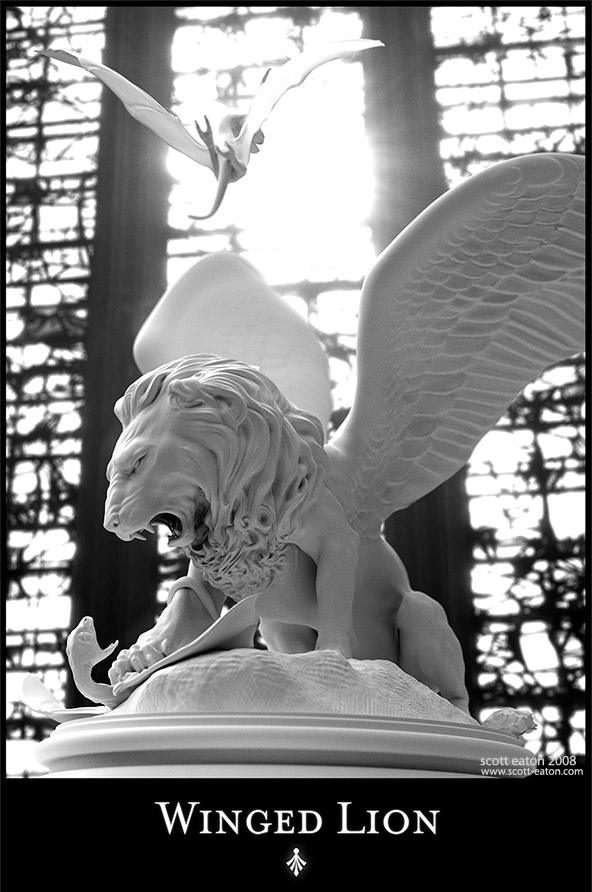
This is the final image of the Winged Lion. After quite a few requests I have decided to make some of my images available as prints. The Winged Lion is the first. You can find the prints, rendered at a crisp 7000×4600 pixels, at the Cafe Press store here.